


 NuGet
NuGet
Use your own menus and buttons
Editing commands can live in your application's ribbon, menus or buttons as well as in the editor toolbar. ToolbarItemOverrider lets those controls run the same commands and dialogs, so you can fit HTML editing into an existing interface.
Hiding the toolbars and driving your own controls
Some applications have no ToolStrips at all - every command lives in a ribbon, a menu, or another custom control, and the built-in toolbars cannot be shipped as-is. Hide the editor's two factory toolbars the same way as for any custom toolbar. The remaining question is the other direction: how do your own buttons run the editor's commands, especially the ones that pop dialogs - Insert Image, Insert Hyperlink, Insert Table, Find & Replace? Reimplementing those dialogs is unnecessary; they are already localized and wired into the editor's services.
WinFormHtmlEditor.ToolbarItemOverrider exposes one OnXxxButtonClicked(object sender, EventArgs e) method per built-in command. Calling one runs the exact same code path the matching factory button runs, dialog included. The signature is the standard .NET event-handler signature, so any control event that matches it - Button.Click, ToolStripMenuItem.Click, a third-party ribbon control's Click event - can be attached directly.
Wiring the ribbon
private void ContractEditorForm_Load(object sender, EventArgs e) {
    htmlEditor1.Toolbar1.Visible = false;
    htmlEditor1.Toolbar2.Visible = false;
    var ov = htmlEditor1.ToolbarItemOverrider;
    // Home tab.
    ribbonBoldButton.Click += ov.OnBoldButtonClicked;
    ribbonItalicButton.Click += ov.OnItalicButtonClicked;
    ribbonUnderlineButton.Click += ov.OnUnderlineButtonClicked;
    // Insert tab - these pop the editor's dialogs.
    ribbonImageButton.Click += ov.OnImageButtonClicked; // Image dialog
    ribbonHyperlinkButton.Click += ov.OnHyperLinkButtonClicked; // Hyperlink dialog
    ribbonTableButton.Click += ov.OnTableInsertButtonClicked; // Table dialog
    // Review tab.
    ribbonFindButton.Click += ov.OnSearchButtonClicked; // Find/Replace dialog
    ribbonSpellCheckButton.Click += ov.OnCheckSpellingButtonClicked;
}
Private Sub ContractEditorForm_Load(sender As Object, e As EventArgs)
htmlEditor1.Toolbar1.Visible = False
htmlEditor1.Toolbar2.Visible = False
Dim ov = htmlEditor1.ToolbarItemOverrider
' Home tab.
AddHandler ribbonBoldButton.Click, AddressOf ov.OnBoldButtonClicked
AddHandler ribbonItalicButton.Click, AddressOf ov.OnItalicButtonClicked
AddHandler ribbonUnderlineButton.Click, AddressOf ov.OnUnderlineButtonClicked
' Insert tab - these pop the editor's dialogs.
AddHandler ribbonImageButton.Click, AddressOf ov.OnImageButtonClicked ' Image dialog
AddHandler ribbonHyperlinkButton.Click, AddressOf ov.OnHyperLinkButtonClicked ' Hyperlink dialog
AddHandler ribbonTableButton.Click, AddressOf ov.OnTableInsertButtonClicked ' Table dialog
' Review tab.
AddHandler ribbonFindButton.Click, AddressOf ov.OnSearchButtonClicked ' Find/Replace dialog
AddHandler ribbonSpellCheckButton.Click, AddressOf ov.OnCheckSpellingButtonClicked
End Sub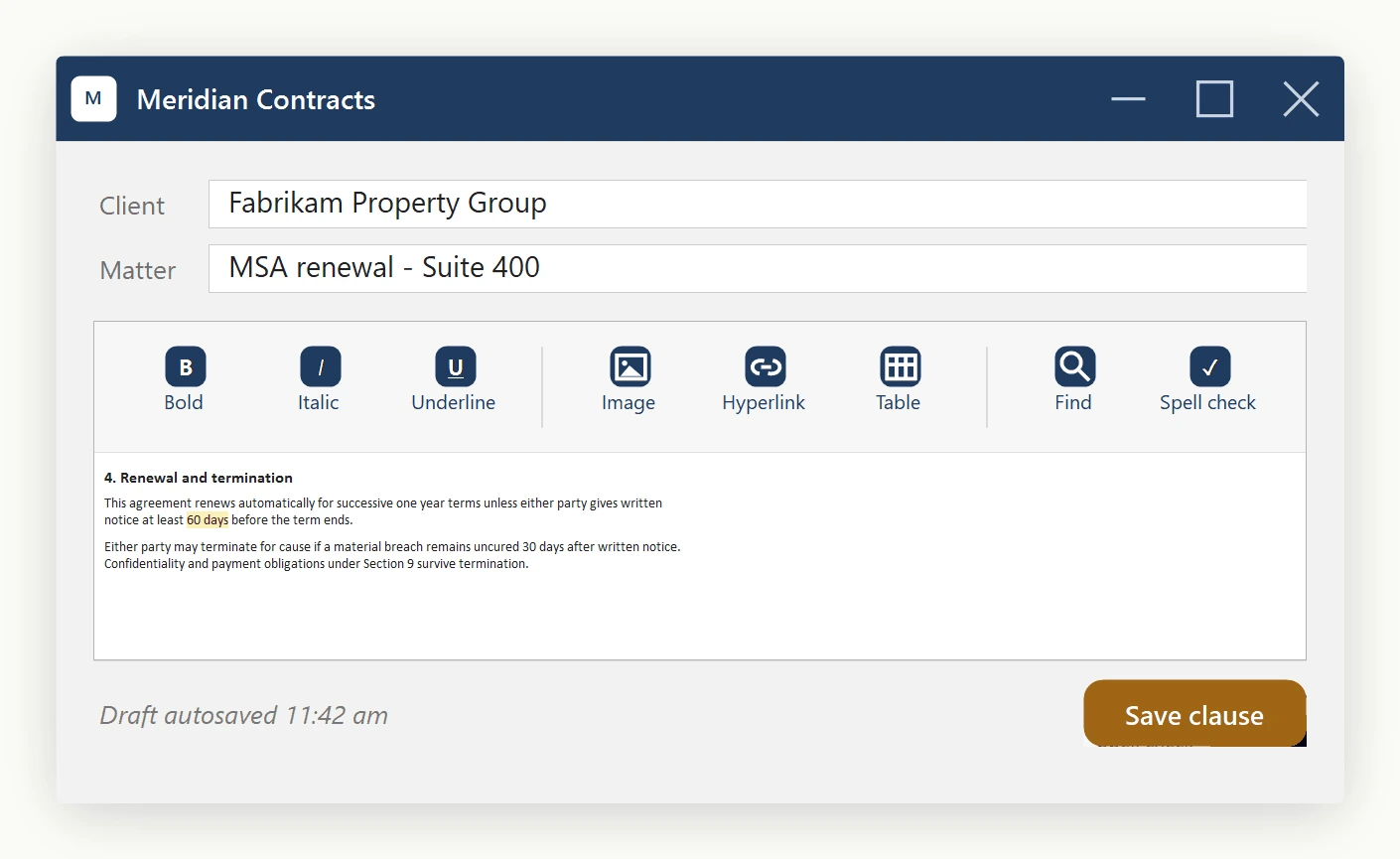
The complete handler list
The ToolbarItemOverrider exposes a handler for every built-in action:
- Formatting:
OnBoldButtonClicked,OnItalicButtonClicked,OnUnderlineButtonClicked,OnStrikeThroughButtonClicked,OnSubscriptButtonClicked,OnSuperScriptButtonClicked,OnFormatResetButtonClicked. - Insert:
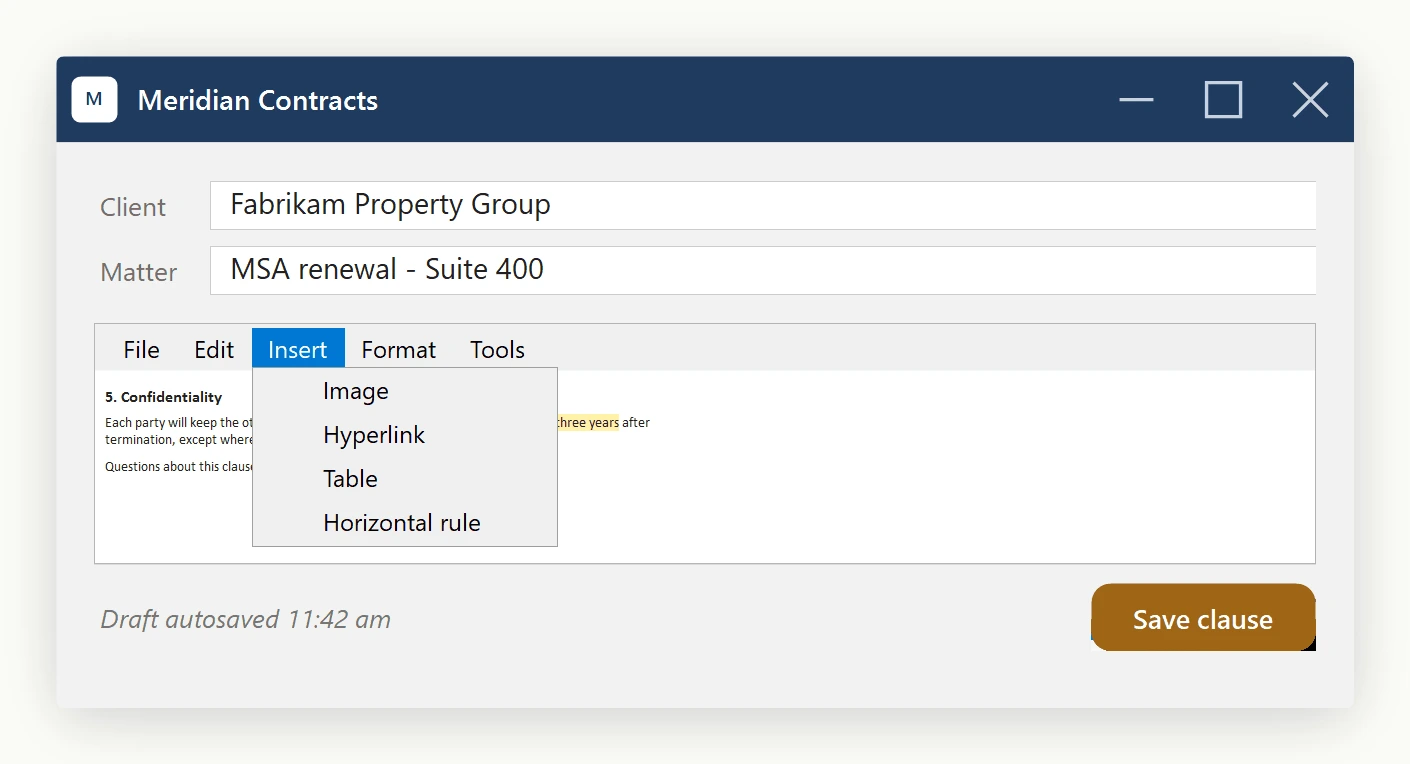
OnImageButtonClicked,OnHyperLinkButtonClicked,OnTableInsertButtonClicked,OnSymbolInsertButtonClicked,OnHorizontalRuleButtonClicked,OnYouTubeVideoInsertButtonClicked. - Layout:
OnAlignLeftButtonClicked,OnAlignCenterButtonClicked,OnAlignRightButtonClicked,OnIndentButtonClicked,OnOutdentButtonClicked,OnOrderedListButtonClicked,OnUnOrderedListButtonClicked. - Color and style:
OnFontForeColorButtonClicked,OnTextHighlightColorButtonClicked,OnBodyStyleButtonClicked. - Document I/O:
OnNewButtonClicked,OnOpenButtonClicked,OnSaveButtonClicked,OnPrintButtonClicked. - Edit operations:
OnCutButtonClicked,OnCopyButtonClicked,OnPasteButtonClicked,OnPasteFromMsWordButtonClicked,OnUndoButtonClicked,OnRedoButtonClicked. - Tools:
OnSearchButtonClicked,OnCheckSpellingButtonClicked.
Which approach to use
Use ToolbarItemOverrider.ToolbarItems when your custom UI is itself a ToolStrip: it rehosts the editor's actual ToolStripButton instances, so icons, tooltips, and pressed state stay automatic because the same button objects are still doing the work. Use the OnXxxButtonClicked handlers instead when your UI is not a ToolStrip, for example a ribbon control whose buttons are a different type with their own icon assets and visual states. The handlers are the bridge: your control stays its own type while still running the editor's exact command behavior.
Either way, the dialogs opened (Find/Replace, Insert Hyperlink, Insert Table, and so on) are the editor's own dialogs, so they behave identically regardless of which approach triggered them.
Ask your AI to do this
Connect the SpiceLogic MCP server, then give your coding assistant this prompt.
I use the SpiceLogic WinForms HTML Editor. Help me connect my application menus and buttons to the editor commands. Confirm the exact API names, types and defaults with the SpiceLogic MCP documentation, then show the changes for my project.